Do Proxies Hide Your Location?
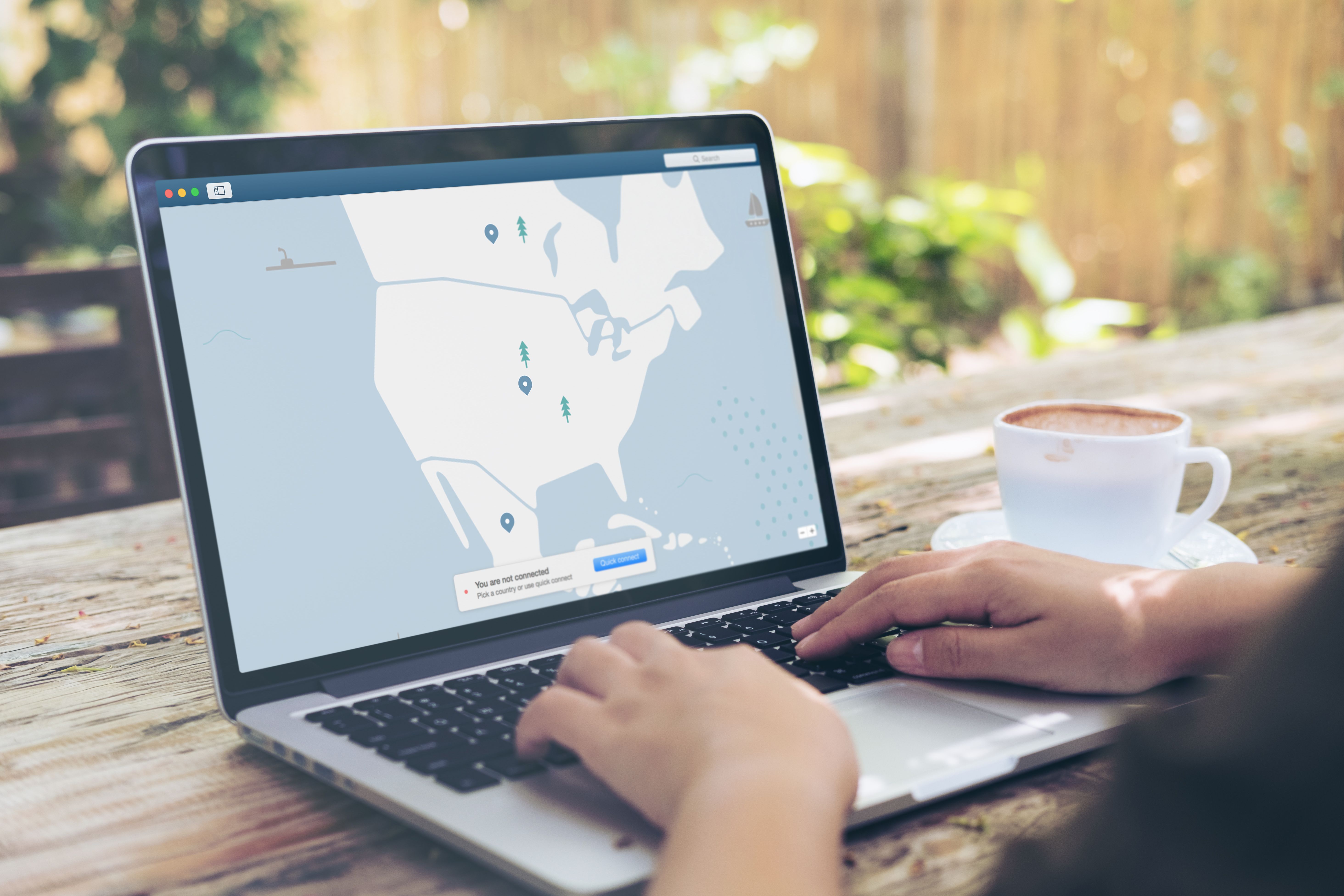
Yes, a proxy can hide your IP-based location by routing your internet traffic through another server.
For example, if you are located in Great Britain and connect to a proxy server in the United States, websites will generally see the proxy's US IP address instead of your British IP address.
However, this does not mean that a proxy completely hides your real location.
Websites and online services may use other methods to estimate where you are, including GPS permissions, account information, browser settings and other tracking technologies.
In this guide, we explain how proxy servers change your visible location and what they cannot hide.
How Do Proxies Hide Your Location?
When you connect to a website through a proxy, your internet request is first sent to the proxy server.
The proxy then forwards the request to the destination website.
Instead of seeing your original public IP address, the website generally sees the IP address of the proxy server.
Since IP addresses are associated with geographical information, websites may identify the proxy's country or approximate location rather than yours.
For example:
- Your actual location: Great Britain.
- Proxy server location: United States.
- Location shown to the destination website: Usually the United States.
This is why proxies are sometimes used for accessing region-specific content and testing websites from different countries.
What Does Location Mean Online?
Websites use several different methods to estimate a visitor's location.
One of the most common is IP geolocation.
An IP address can provide information about:
- The country associated with the connection.
- An approximate city or region.
- The internet service provider.
- The network being used.
This information is not always perfectly accurate.
A website may identify your country correctly but display an incorrect city or region.
A proxy changes the IP address seen by the destination website, which can therefore change its IP-based location estimate.
However, IP geolocation is only one method of determining location.
What Does a Proxy NOT Hide?
A proxy does not automatically hide every piece of information that could reveal your actual location.
Here are some important examples.
1. GPS Location
Smartphones and some computers support GPS and other location services.
If you allow a website or application to access your device's location, it may receive information that is much more precise than an IP-based estimate.
A proxy does not automatically hide GPS information.
2. Browser Location Permissions
Modern browsers can request permission to share your location with websites.
If you approve such a request, the website may receive location information independently of your IP address.
A proxy does not override these permissions.
3. Wi-Fi and Network Information
Devices can use nearby Wi-Fi networks and other signals to help estimate their geographical location.
Depending on the device and permissions, this information may provide additional location clues.
4. Account Activity
Websites may already have location information associated with your account.
For example, if you regularly sign into an online service from Denmark, the service may have information about your usual location.
Connecting through a proxy in another country does not erase that history.
5. Cookies and Tracking
Cookies and other tracking technologies can help websites recognize returning visitors.
Although cookies do not necessarily reveal your exact location, they can connect browsing activity with previously collected information.
A proxy does not automatically prevent this type of tracking.
How Effective Is a Proxy at Hiding Your Location?
A proxy can be effective at changing the IP-based location visible to destination websites.
However, its effectiveness depends on the proxy provider, server configuration and other information available to the website.
What a proxy can do:
- Hide your original public IP address from destination websites.
- Show a different IP-based geographical location.
- Route browser traffic through another country.
- Help test how websites appear to international visitors.
What a proxy cannot guarantee:
- Hiding GPS information.
- Preventing account-based location identification.
- Preventing all browser tracking.
- Guaranteeing complete anonymity.
- Hiding your location from every service or application on your device.
Types of Proxies and Location Privacy
Different proxy types have different purposes.
HTTP Proxy
An HTTP proxy handles web requests and can change the IP address visible to destination websites.
It is commonly used for basic browser traffic.
SOCKS Proxy
A SOCKS proxy can route different types of application traffic through another server.
It offers more flexibility than a basic HTTP proxy, but does not automatically provide encryption.
Transparent Proxy
A transparent proxy is typically used for network filtering and traffic management.
It does not necessarily hide your original IP address from the network operator or destination websites.
Anonymous Proxy
An anonymous proxy is designed to hide the user's original IP address from destination websites.
However, its effectiveness depends on its configuration and the information it reveals.
Proxy vs VPN for Location Privacy
Both proxies and VPNs can change the IP address that websites see.
However, there is an important difference.
A proxy routes selected internet requests through another server.
A VPN creates an encrypted connection between your device and a VPN server and can protect traffic from multiple applications.
A VPN generally provides broader network privacy, but it does not automatically hide GPS information or prevent account-based tracking.
If you want stronger protection for your internet traffic, a reputable VPN is usually the better option.
When Is a Proxy Enough?
A proxy may be sufficient when you want to:
- View how a website appears from another country.
- Change your IP-based location for basic browsing.
- Test region-specific website content.
- Route a particular browser session through another server.
These are common reasons why individuals and developers use proxy services.
When Is a Proxy NOT Enough?
A basic proxy should not be treated as a complete location privacy solution.
If you are handling sensitive information, using public Wi-Fi or need broader protection for your internet traffic, consider using a reputable VPN and reviewing your device's location permissions.
Remember that no single tool guarantees complete anonymity.
Best Practices for Better Location Privacy
If you want to improve your location privacy online, consider these recommendations:
- Choose a reputable proxy or VPN provider.
- Review browser location permissions.
- Be careful about which websites receive access to your device's location.
- Understand how your online accounts store location information.
- Review cookie and tracking settings.
- Avoid unknown proxy services.
- Remember that changing your IP address does not hide every aspect of your identity.
Final Answer: Do Proxies Hide Your Location?
A proxy can hide your original IP address and change the geographical location that websites see when using IP-based location detection.
However, it cannot completely hide where you are.
GPS information, browser permissions, account activity and other tracking technologies may still reveal clues about your actual location.
A proxy is useful for basic IP-based location masking, but it should not be considered a complete privacy solution.